

P2 vs P3 vs P4 LED Displays: Pixel Pitch Explained & How to Choose the Right One
Many buyers get confused when choosing an LED screen.
You often see terms like P2 LED display, P3 LED display, and P4 LED display.
The price is different.
The clarity looks different.
But what does it really mean?
Most people hear the word “pixel pitch” and feel unsure.
Is smaller always better?
Does it cost more?
Which one is right for your space?
These questions are common and very important.
The truth is simple.
Pixel pitch directly affects image quality, viewing distance, and price.
If you choose the wrong one, the screen may look blurry.
Or you may spend more money than needed.
In this guide, we will clearly explain LED pixel pitch in easily.
You will understand the difference between P2, P3, and P4 LED displays.
By the end, you will know how to choose the right LED screen for your project with confidence.
What Is Pixel Pitch in LED Displays?
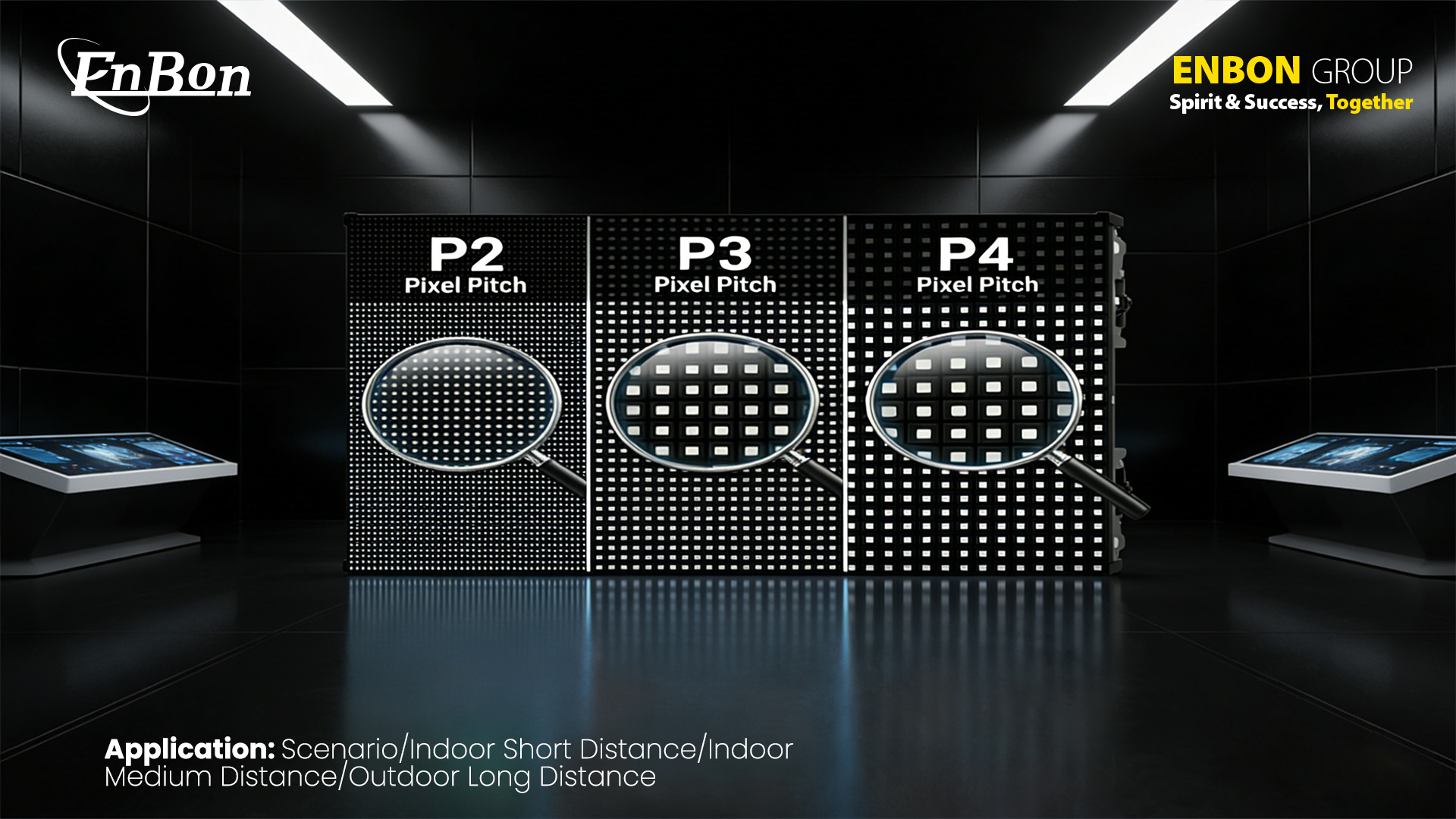
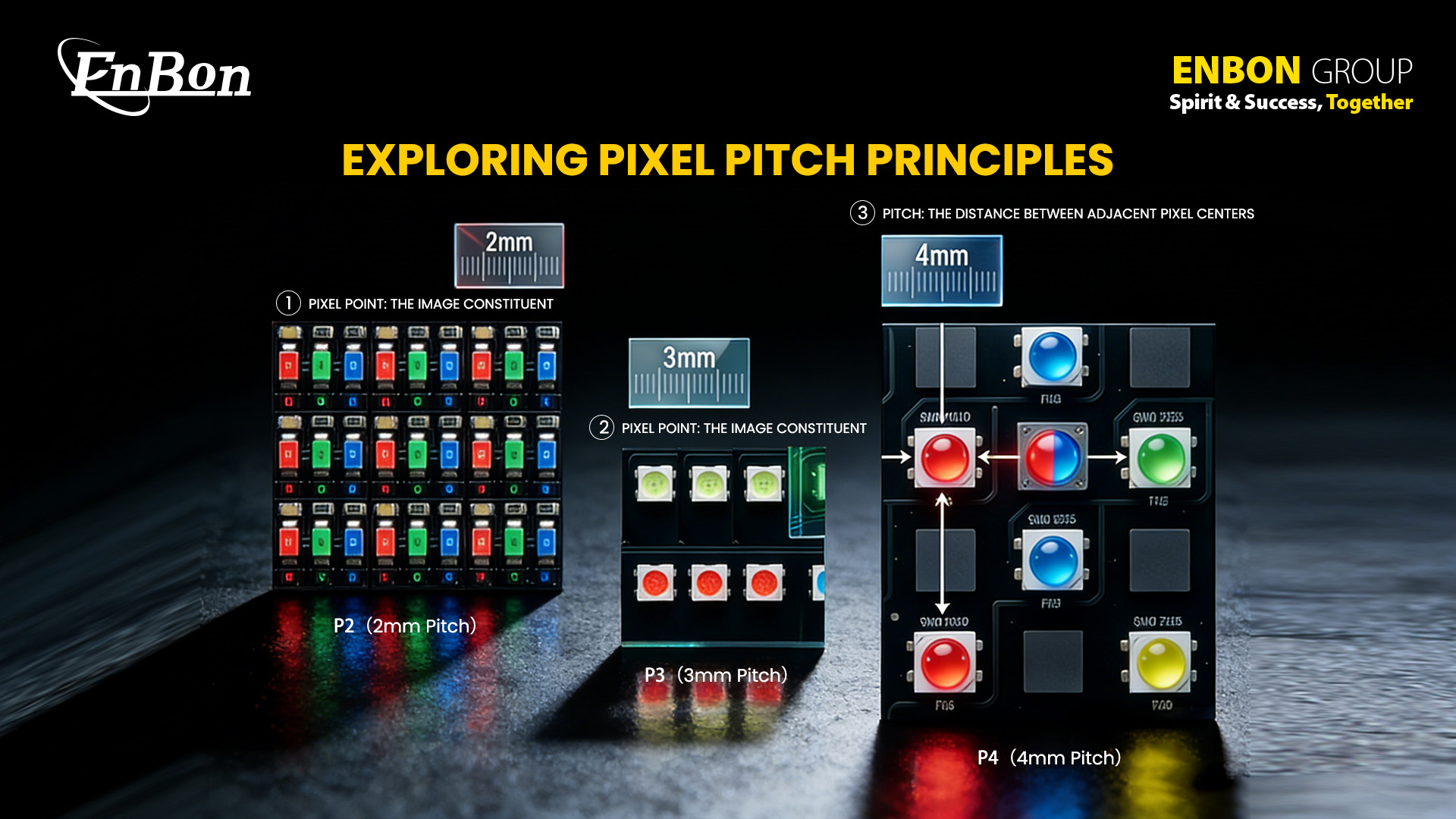
Pixel pitch means the distance between two LED lights on a screen.
This distance is measured in millimeters (mm).
For example:
- A P2 LED display has 2mm space between each LED light
- A P3 LED display has 3mm space
- A P4 LED display has 4mm space
The smaller the number, the closer the LEDs are placed.
When LEDs are closer together, the image looks sharper and more detailed.
The bigger the number, the more space between LEDs.
This works well for large areas where people watch from far away.
A Simple Example
Think about a photo made of tiny dots.
If the dots are very small and close together, the photo looks clear even from a short distance.
If the dots are bigger and spaced out, the photo may look less sharp when viewed up close.
But from far away, it still looks good.
LED screens work in the same way.
Lower Pixel Pitch = Higher Clarity
A smaller pixel pitch means:
- More LED lights in one area
- Higher image detail
- Better for close viewing
A larger pixel pitch means:
- Fewer LED lights in one area
- Better for longer viewing distance
- More cost-friendly for big spaces
Simple Viewing Distance Rule
There is an easy way to estimate viewing distance.
Minimum viewing distance (in meters) is close to the pixel pitch number.
For example:
- P2 → Best from about 2 meters
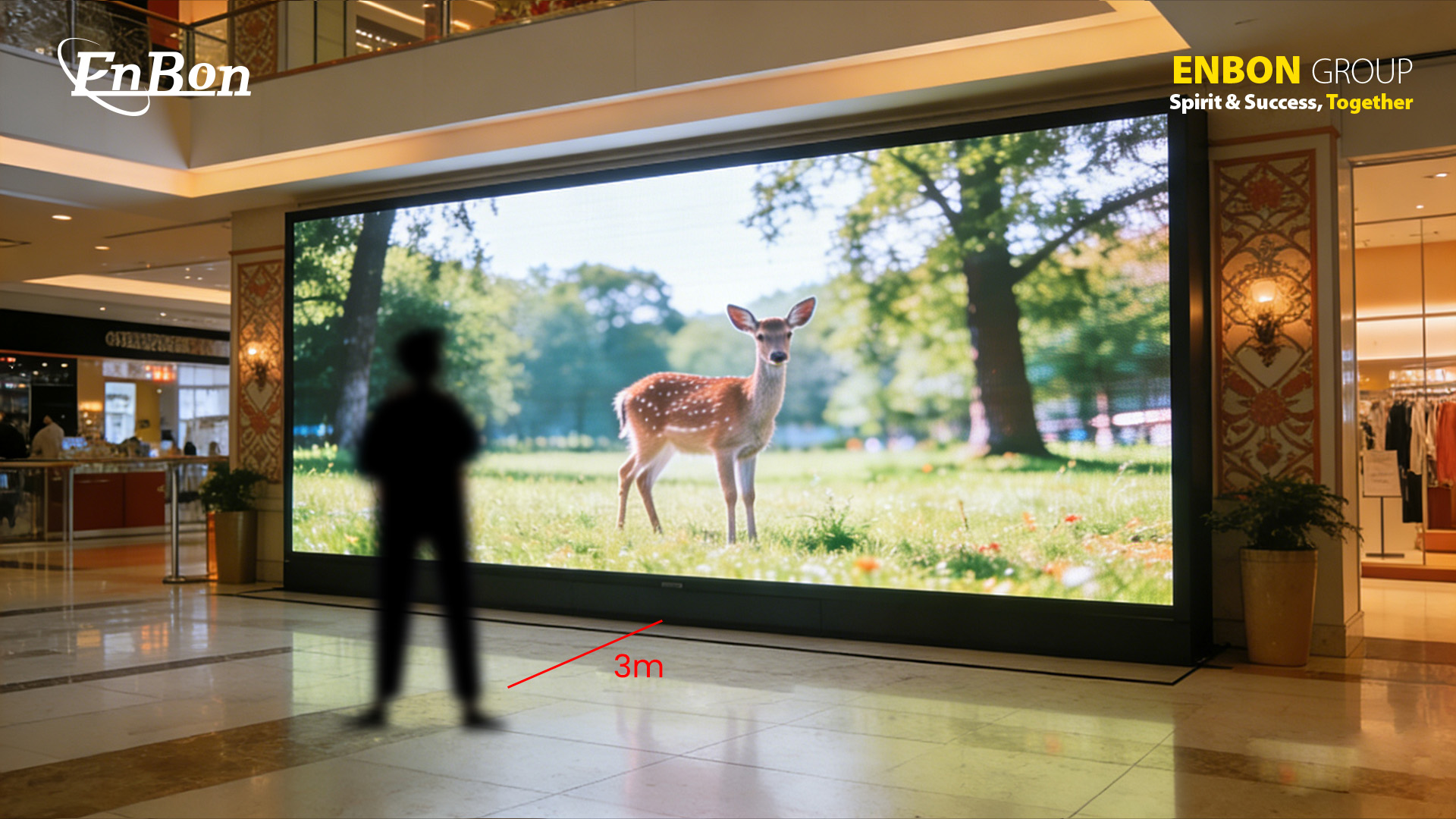
- P3 → Best from about 3 meters
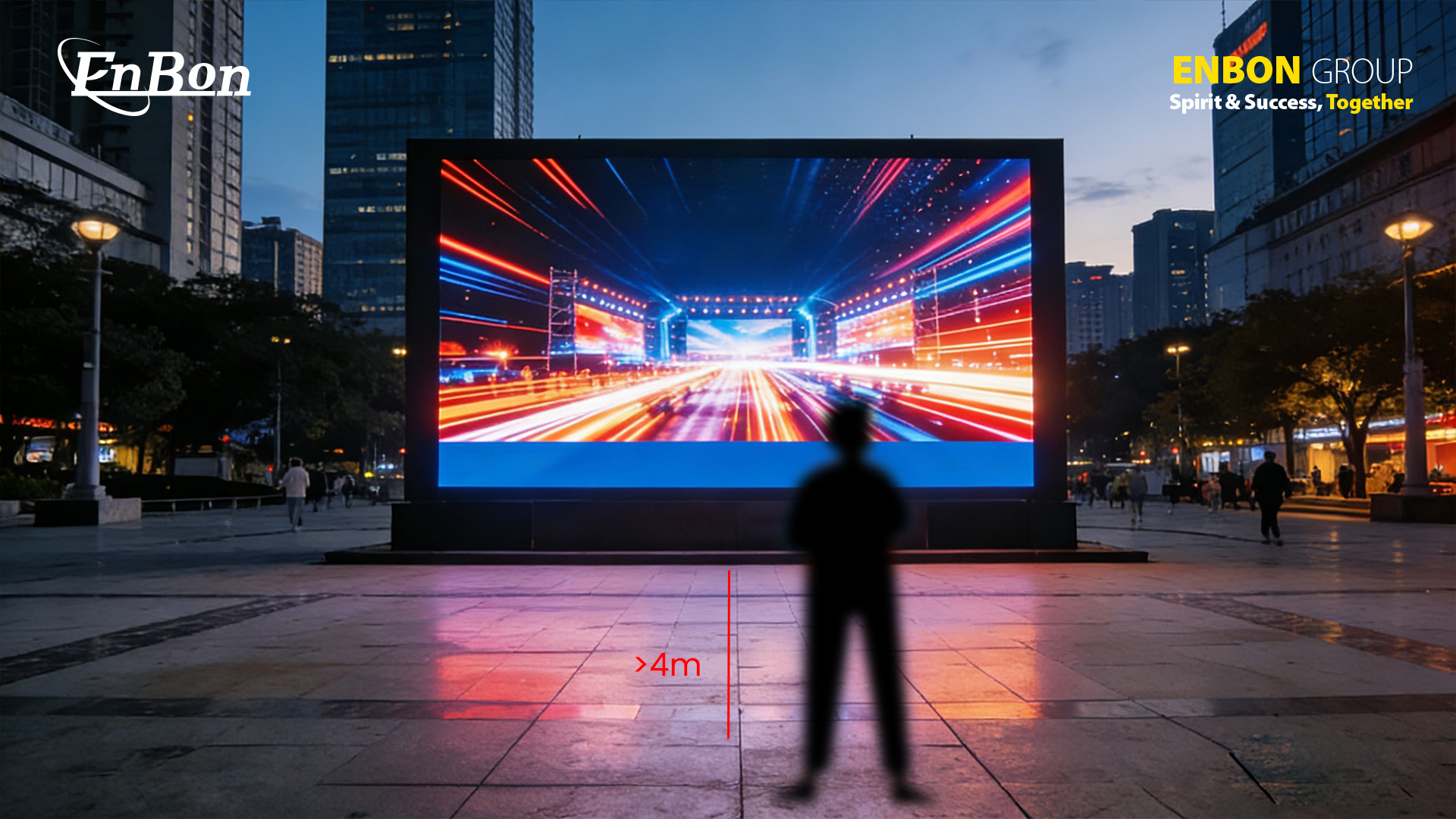
- P4 → Best from about 4 meters
So before choosing a screen, always ask one simple question:
How far will people stand from the LED display?
P2 LED Display: Features, Best Use Cases & Limitations
A P2 LED display has a pixel pitch of 2 millimeters.
This means the LED lights are placed very close to each other.
Because of this small spacing, the screen shows very sharp and detailed images.
Text looks clear. Faces look smooth. Even small design details are easy to see.
P2 screens are best for close viewing distance.
If people stand around 2 meters or slightly more from the screen, the image will look clean and high quality.
That is why P2 LED displays are often used in:
- Boardrooms
- Control rooms
- TV studios
- Luxury retail stores
- Corporate lobbies
One big advantage of a P2 LED display is high resolution.
It works very well for content with small text, charts, or detailed graphics.
However, there is one thing to consider.
Because P2 has more LED lights per square meter, it usually costs more than P3 or P4.
It may also not be necessary for very large spaces where viewers sit far away.
P3 LED Display: Balanced Performance for Most Spaces
A P3 LED display has 3 millimeters of space between each LED light.
This makes it slightly less dense than P2, but it still delivers very good image quality.
Text looks clear, colors stay bright, and videos play smoothly.
For many businesses, P3 offers the right balance between clarity and cost.
P3 works best when people view the screen from around 3 meters or more.
It is a popular choice for:
- Retail stores
- Shopping malls
- Exhibitions
- Hotel halls
- Medium-sized event spaces
One of the biggest advantages of P3 is value.
It gives strong visual performance without the higher cost of very small pixel pitch screens.
However, if the screen will be viewed from a very short distance,
small text may not look as sharp as P2.
P4 LED Display: Budget-Friendly Solution for Large Spaces
A P4 LED display has 4 millimeters of space between each LED light.
This means the LEDs are more spread out compared to P2 and P3.
Because of this, the screen works best when people watch from a longer distance.
P4 is a good choice for:
- Event halls
- Churches
- Conference centers
- Large indoor venues
It is also used in some outdoor LED display setups where viewers stand far from the screen.
From a distance of 4 meters or more, the image looks clear and bright.
One big benefit of P4 is cost savings.
Since it uses fewer LEDs per square meter, it is more budget-friendly for large screen sizes.
However, for close viewing, the image may not look as sharp as P2 or P3.
P2 vs P3 vs P4 LED Displays: Key Differences Explained
When comparing P2, P3, and P4 LED displays,
the main differences come down to clarity, viewing distance, and budget.
| Feature | P2 LED Display | P3 LED Display | P4 LED Display |
|---|---|---|---|
| Pixel Pitch | 2 mm | 3 mm | 4 mm |
| Best Viewing Distance | Around 2 meters or more | Around 3 meters or more | Around 4 meters or more |
| Best Use Case | Control rooms, boardrooms, retail stores | Shopping malls, exhibitions, meeting halls | Event venues, churches, large halls |
| Screen Detail | Highest detail and clarity | Balanced clarity and cost | Best for large visuals and videos |
| Cost Level | Highest cost | Medium cost | Most budget-friendly |
In simple terms:
P2 offers the highest clarity.
P3 provides the best balance.
P4 is the most cost-effective for large spaces.
How to Choose the Right Pixel Pitch
Choosing the right pixel pitch LED display starts with one simple question:
How far will people stand from the screen?
Viewing distance is the most important factor.
- Close distance → P2
- Medium distance → P3
- Long distance → P4
Next, think about:
- Your budget
- Your installation environment
- Your content type
If your screen will show small text or detailed graphics,
a smaller pixel pitch is better.
If you mostly show large videos or bold visuals,
P3 or P4 can perform very well.
Indoor vs Outdoor Pixel Pitch Differences
Indoor LED screens usually need lower brightness.
In these spaces, smaller pixel pitch like P2 or P3 is common.
Outdoor LED displays require higher brightness and weather protection.
Viewing distance is usually longer, so P3 or P4 are often more practical.
Common Buyer Mistakes
- Choosing the lowest price without considering viewing distance
- Ignoring professional advice
- Selecting very small pixel pitch when it is not necessary
- Overpaying without real performance benefit
The smart approach is simple:
Match the screen to your environment and audience.
Conclusion
Understanding the difference between P2, P3, and P4 LED displays
helps you make a confident decision.
Pixel pitch affects image clarity, viewing distance, and cost.
- Smaller pitch gives sharper images for close viewing
- Larger pitch works better for bigger spaces
There is no single “best” option.
The right choice depends on your space, your audience, and your content.
Frequently Asked Questions (FAQ)
1. Is P2 always better than P3?
No. P2 is better for close viewing, but P3 can be more cost-effective for longer distances.
2. What pixel pitch is best for LED video walls?
It depends on viewing distance. P2 or P3 for close viewing, P3 or P4 for larger spaces.
3. Does smaller pixel pitch mean higher price?
Yes. Smaller pitch uses more LEDs per square meter, which increases cost.
4. Can P4 LED displays be used indoors?
Yes. They work well in large indoor spaces with longer viewing distance.
5. How does viewing distance affect pixel pitch choice?
It is the most important factor.
Closer distance needs smaller pitch.
Longer distance allows larger pitch.