

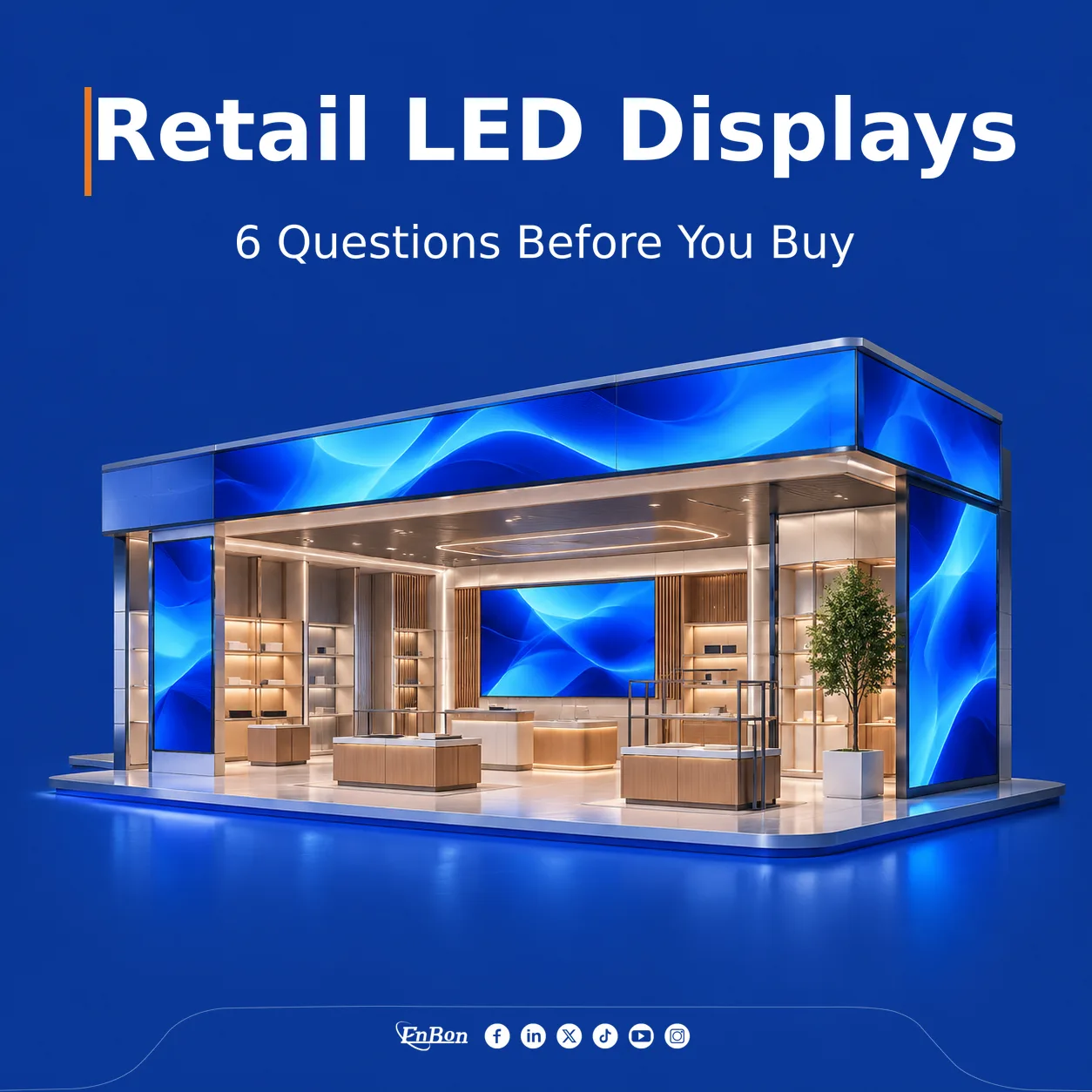
Cover image: retail design concept. AI-generated illustration.
An indoor LED display can become a focal point in a retail store or shopping mall. Choosing one starts with a practical question: what should people see, understand or do when they pass it?
A storefront campaign, an in-store product presentation and a large atrium installation each need a different approach. Before comparing quotations, work through these six questions with your project team.
1. Where will the screen sit in the customer journey?
Define the display's main purpose before choosing its dimensions. A screen at an entrance might introduce a seasonal collection. A wall beside a product display might explain materials or show the product in use. An atrium installation could carry a sequence of campaigns for several tenants.
Walk the route customers will take. Note where they first notice the screen, where they can stop and what might obstruct their view. Check sightlines from more than one approach. A location that looks impressive in an empty architectural drawing may compete with shelving, hanging signs or an escalator during normal trading.
Prepare: site photographs, the proposed mounting position and a one-sentence description of the screen's main job.
2. How close will people stand, and what must they read?
Pixel pitch is the distance between neighbouring LED pixel centres. A smaller pitch places more pixels within the same screen area, which can help when viewers are close or content includes fine detail. The appropriate choice also depends on the physical screen size and the material being shown.
Record the nearest regular viewing position as well as the typical viewing area. Then test representative content: a product photograph, a short headline and any text that customers actually need to read. Do not select a pitch from a distance rule alone. Ask the supplier to explain the proposed configuration using your layout and content.
Prepare: viewing distances, available width and height, and one realistic content sample.
3. What are the lighting conditions throughout the day?
A screen behind a glazed storefront faces different conditions from one inside a shaded aisle. Daylight, overhead lighting and reflections all deserve attention. Visit the location at different times, including the brightest period, and photograph the screen position from the customer's viewpoint.
Discuss brightness adjustment with the supplier rather than comparing maximum brightness figures alone. Ask how the proposed display will be assessed under the site's lighting and how staff will adjust it during operation. If the installation faces direct sun or is exposed to weather, clarify those conditions at the start instead of assuming an indoor model is suitable.
Prepare: daylight photographs and notes about glazing, lighting schedules and environmental exposure.
4. Can the installation be serviced after the store opens?
Plan maintenance access while the surrounding structure is still being designed. Confirm whether the installation allows access from the front, the rear or both, and how technicians will reach modules, power supplies and receiving cards. Check what equipment or temporary working space a service visit would require.
Ask the installation team to review the supporting structure, ventilation, cable routes and site restrictions. In a shopping mall, coordinate access hours and working arrangements with property management. A service plan should describe the actual location, including cabinets, joinery and fixtures around the display.
Prepare: mounting drawings, access photographs and the site's installation and maintenance requirements.
5. Who will create, approve and update the content?
Choose the screen layout and the content workflow together. A wide display may need a dedicated composition rather than a stretched version of a standard video. Ask for the final pixel resolution and aspect ratio before commissioning campaign assets.
Assign responsibility for uploading files, checking playback and removing expired promotions. Agree how updates will reach the player and who can change the schedule. Before handover, run a sample playlist containing the types of image, video and text the business expects to use. Include a simple fallback screen for periods when no campaign is scheduled.
Prepare: sample assets, update frequency, staff responsibilities and network constraints.
6. What should the quotation and handover include?
Give suppliers the same project brief so their proposals can be compared. Ask each to identify the proposed display configuration, control equipment, mounting scope, installation responsibilities and exclusions. Clarify power requirements with the supplier and the site's qualified electrical contractor.
Discuss spare parts, staff training, warranty terms and the process for requesting support. Agree the checks that will demonstrate successful handover, including image presentation, sample-content playback and access for maintenance. Keep the approved configuration and operating instructions with the project records.
Prepare: a target completion date, budget range and a list of items that must be included in the proposal.
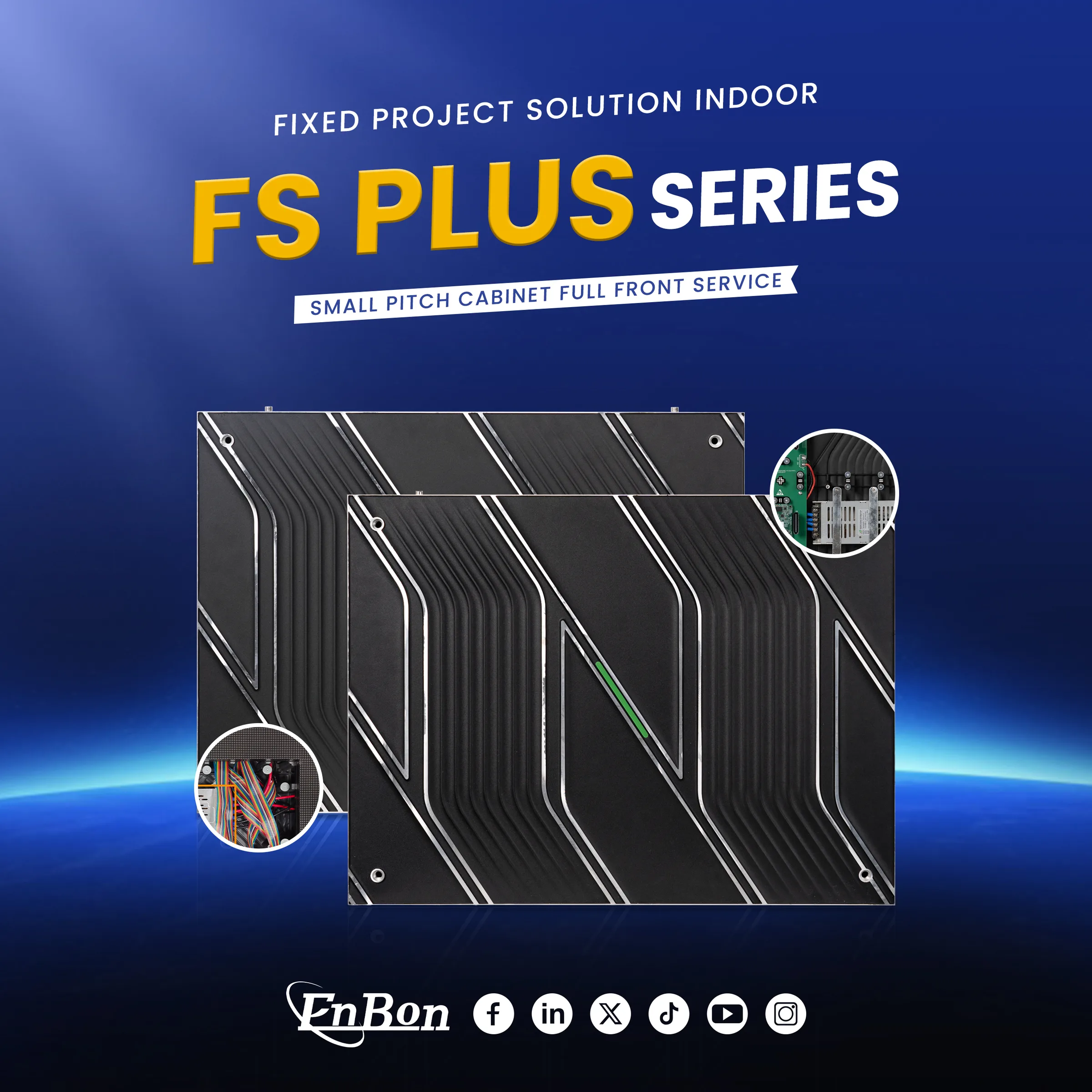
Enbon FS Plus series — official product visual.
Turn the answers into a clear project brief
Enbon's indoor shopping mall solutions provide a starting point for discussing retail applications. You can also explore the FS Plus indoor LED display series when reviewing product options with the team. The final selection should follow the site's requirements and the confirmed model configuration.
Planning a retail LED display? Send Enbon your installation photographs, preferred screen dimensions, nearest viewing distance and intended content. Add your project location and target installation date so the team can discuss a suitable next step.
